
Distribute the workload intelligently. Create, plan, and send detailed missions directly to your agents' mobiles. Track progress in real-time.
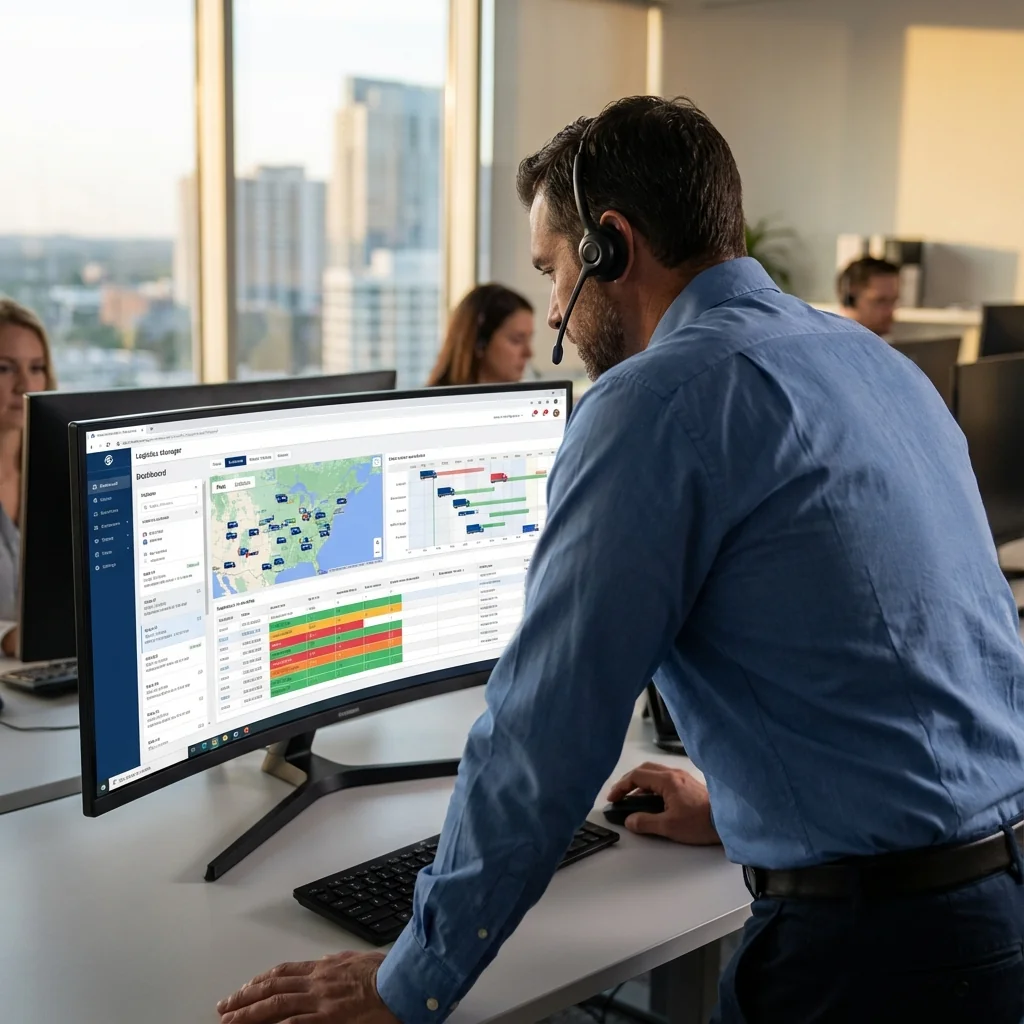
Between emergencies, cancellations and lack of visibility, managing mobile teams can quickly become chaotic without the right tool.
Too many phone calls to find out where your technicians are and what they are doing.
Impossible to react quickly to a client emergency without knowing who is available.
Difficulty in measuring how many missions are actually performed per day.
A poorly planned mission is a mission at a loss. By optimizing travel and ensuring the right person is in the right place with the right information, you mechanically increase the number of interventions achievable per day, without overloading your teams.
Dakimob structures your operations. Each mission follows a clear lifecycle, from creation to closure.
Preventive and corrective interventions.
Route management and proof of delivery.
Care providers, cleaning, repair.
Equipment, window, heating installation.
The manager creates a mission and assigns it to an available agent via the planning board.
The agent goes on site, declares arrival and performs the requested tasks.
The report is sent, the mission status changes to "Completed" and planning is updated.
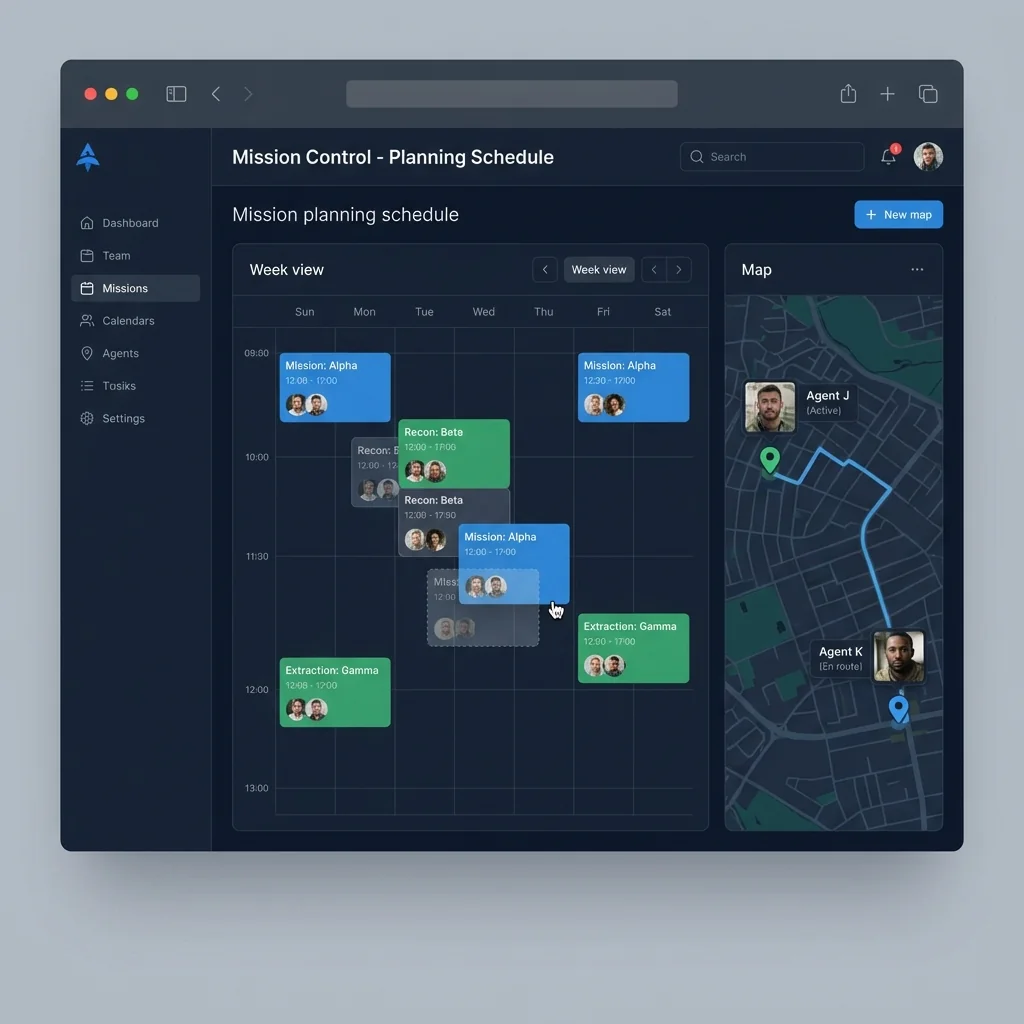
Planning and tracking.
It's very simple. The dispatcher sees on the map which technician is closest to the emergency. He drags the intervention into their schedule (Drag & Drop). The technician receives a push notification "New priority mission" immediately.
Yes, for maintenance contracts or cleaning, you can define recurrences (e.g., "Every first Monday of the month") to automatically generate missions throughout the year, avoiding oversights.
You configure the permissions. You can allow refusal with a mandatory reason (e.g., "Vehicle breakdown") or force acceptance. Any status change is notified in real-time to the manager.
They have access to everything they need: address (with GPS via Waze/Maps), on-site contacts, access codes, history of previous interventions and attachments (plans, manuals).
The mission status changes color in real-time on your planning board: "On way", "On site", "In progress", "Completed". You always know who is doing what.
Yes, you can associate PDFs, photos or plans with the mission order. The technician consults them directly on their smartphone without needing to print anything.
Yes, Offline mode allows access to mission details and filling out the intervention report even without 4G/5G network.