
Transform your paper processes into smart mobile forms. Collect reliable data (photos, signatures, scans) and generate your intervention reports instantly.
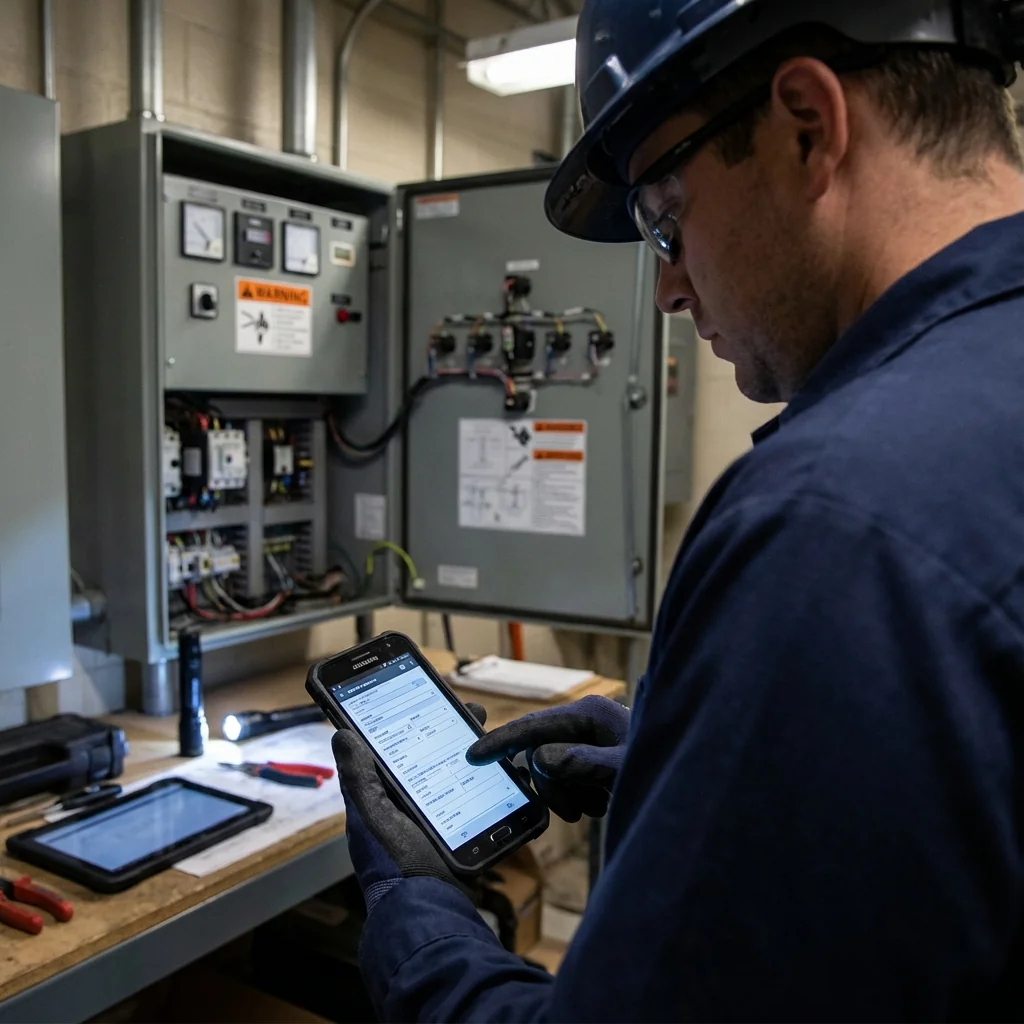
Paper slows down your business. Illegibility, lost documents, office re-entry: these inefficiencies delay your billing and service quality.
Lost or illegible intervention sheets mean direct billing losses.
Sometimes it takes a week to get field reports back to headquarters.
Recopying manual forms is a source of errors and administrative frustration.
Information capture is the key to responsiveness. By digitizing your forms, you don't just eliminate paper: you structure your data, standardize your quality procedures and offer your clients a modern, professional brand image. Every intervention meets your standards, regardless of the technician.
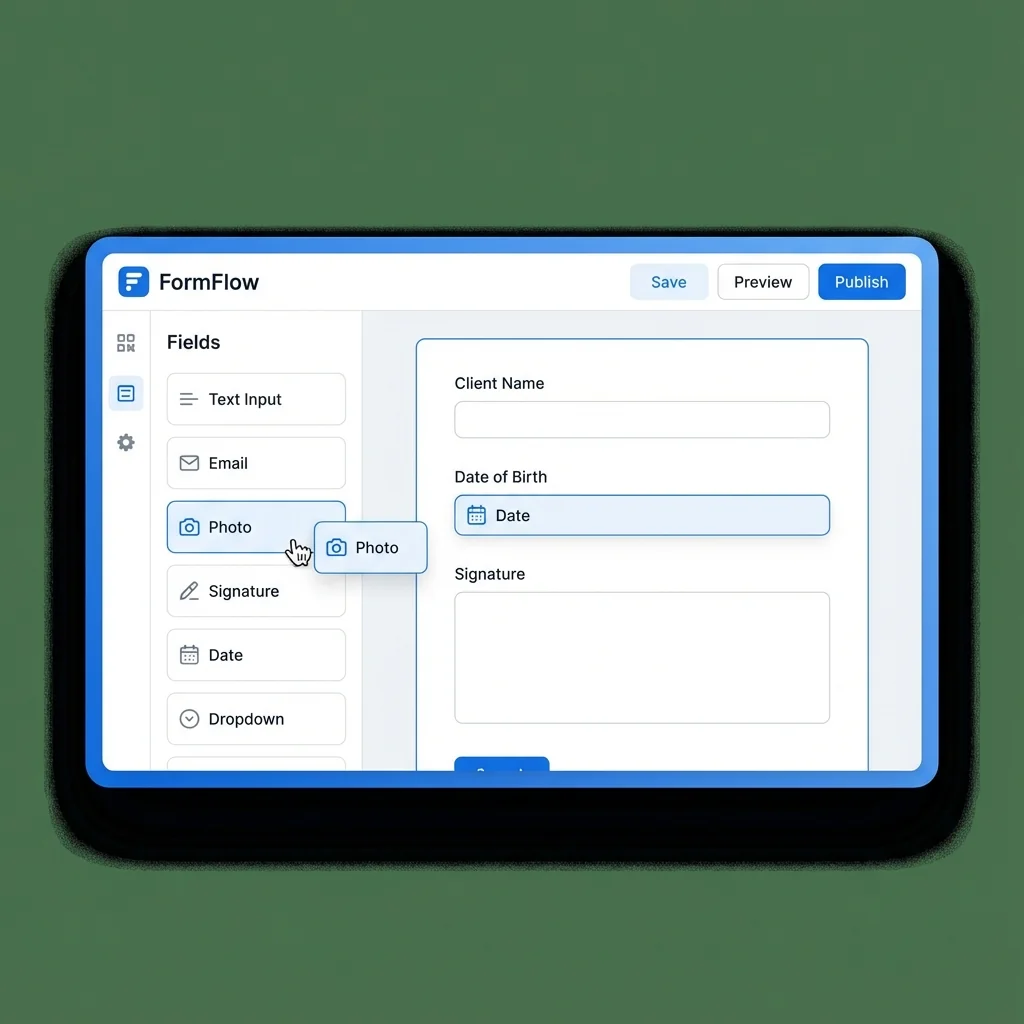
Our drag-and-drop editor lets you recreate your exact business forms, but better.
Fiber installation reports and technical summaries.
Vehicle condition reports and visual inspections.
Refrigerant certifications and preventive maintenance.
Compliance audits and safety checklists.
The technician fills out the form via the app (online or offline).
Data uploads instantly once network connection is restored.
A branded report is automatically emailed to the client.
Creation and distribution.
None. Our editor works with drag-and-drop. Add text fields, checkboxes, photo zones or signatures simply by dragging them onto the page. It's as simple as filling out a Word document.
Yes, the app is "Offline First". Your technicians can fill, save and sign forms even in basements or dead zones. Sync happens automatically when network returns.
Absolutely. You can connect your databases (clients, items, equipment) so fields populate automatically or via dropdowns, avoiding entry errors.
Yes, the signature on the smartphone or tablet touchscreen is timestamped and geolocated, giving it evidential value for your intervention and delivery notes.
Yes, it's even recommended to ensure report quality. You can block form validation until the client signature or end-of-job photo is added.
Each intervention automatically generates a clean, branded PDF. Raw data is also exportable to Excel or via API for your statistics.
Yes, you can configure auto-emailing to the client as soon as the technician validates the intervention, accelerating your billing cycle.
Certainly. The technician takes a photo and can draw on it (arrows, circles) to highlight a defect or a specific intervention area.